Customizing a Self-Hosted Lychee Instance

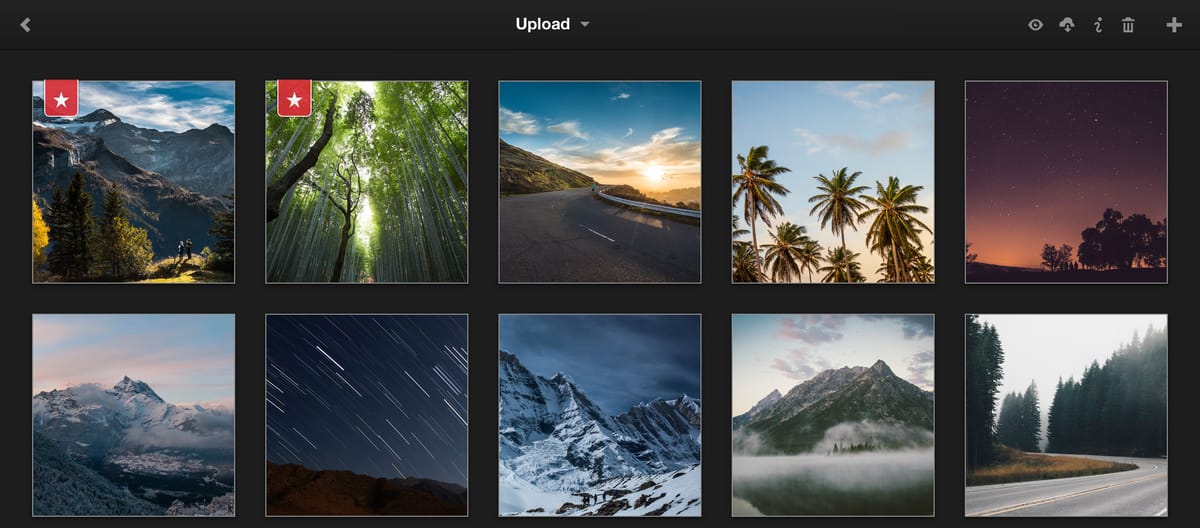
Lychee is a self-hosted photo-management service.
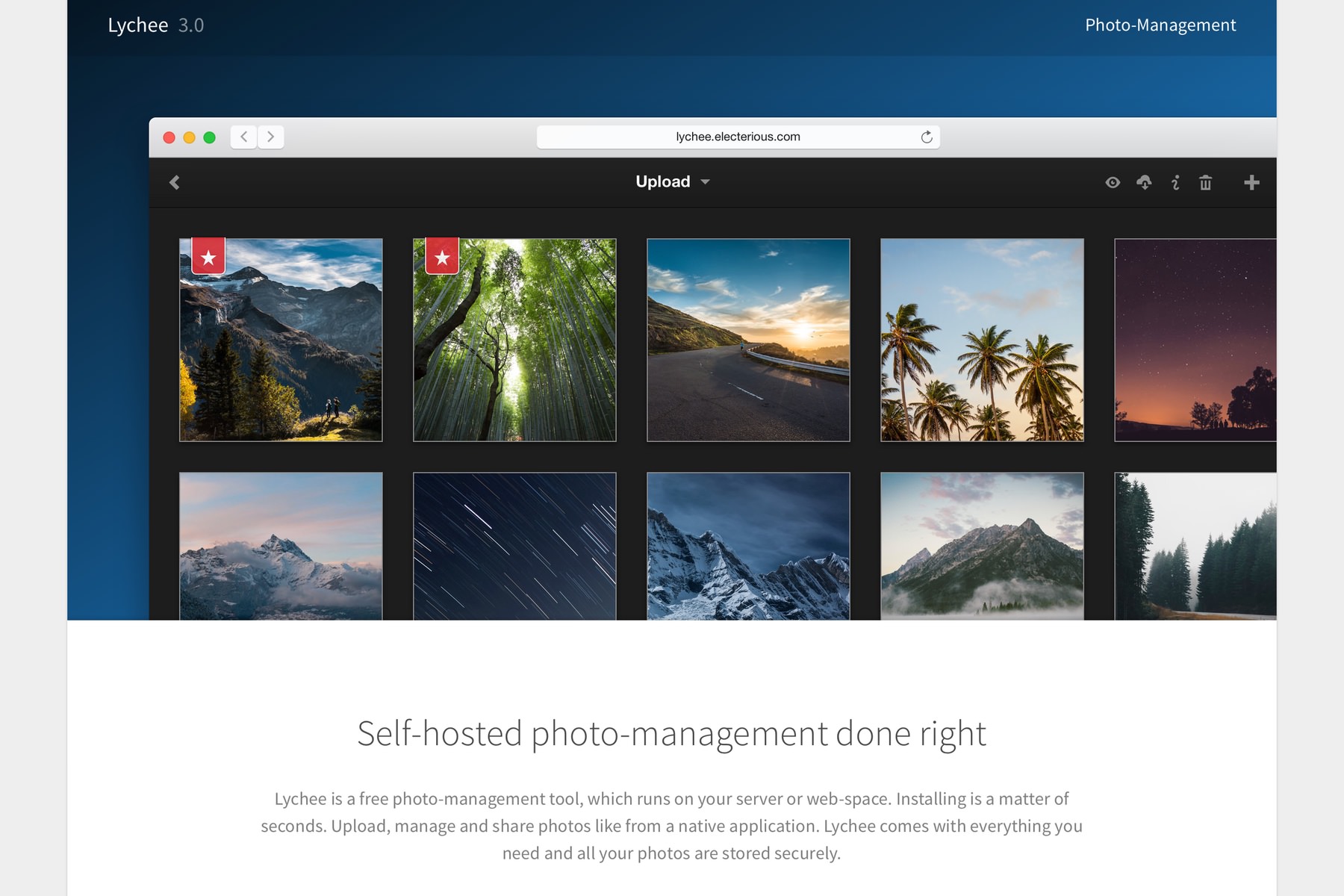
Lychee — Self-hosted photo-management done right
Lychee is a free photo-management tool, which runs on your server or web-space. Upload, manage and share photos like from a native application. Lychee comes with everything you need and all your photos are stored securely.

Compared with Photoprism, it is less suitable for personal/family daily use. Instead, it comes with a more artistic interface and features that are more suitable for anyone who wants to create a portfolio.
Because Lychee supports CSS customization and etc., I wrote this blog post to provide a guide to what is possible.
Settings and Branding
Go to Settings > More > Full Settings. Here are some options that you will probably find useful.
- "Config" Section
site_ownersite_titlesite_copyright_beginsite_copyright_endpublic_searchhide_version_numbergrants_downloadshare_button_visible- If turned on, even albums without enabling share will have a share button, where you could copy the URL of an image and its sized variants.public_photos_hidden
- "Footer" Section: All 3
- "Gallery" Section: Look through all of them
- "Image Processing" Section:
skip_duplicates- You probably want to turn it on.lossless_optimization- If you do not strictly want to save the exact copy, you may turn it on to optimize image size.upload_processing_limit- Increase the number to simultaneously upload more images. I personally use6.
Custom CSS
p.hosted_by {
  display: none;
}
Hide the "Hosted by Lychee" message on the homepage.
p.version {
  display: none;
}
div.basicModal__content > form.force-first-child {
  margin-bottom: 0;
}
Remove the version information on the login dialog.
Enabling Passwordless Login
While creating a passkey, I found that it shows an error message every time. If you face a similar situation, make sure the environment variable HOST is correctly set to your domain.